

QR Code for Salon & Spa Google Reviews
A salon or spa Google reviews QR code opens your Google review page from the mirror station or front desk, right when the client can still see the result. Qravio's hosted Reviews & Feedback page shows every client two buttons, "Leave a Google review" and "Send private feedback", so a client who isn't sure about a colour can tell the stylist directly, while the Google button stays one tap away for everyone.
How QR codes work for salon & spa google reviews
The free static QR below sends every scanner straight to your Google review page. With a Qravio account you can use the Reviews & Feedback QR type instead: scanning opens a page with your salon's name and two equal buttons. The Google button redirects to your review page, where the client picks their own stars. The private feedback button opens a short form, with an optional rating that stays private, and the submission reaches you in the Leads dashboard so the stylist or owner can follow up.
What your salon & spa google reviews QR opens
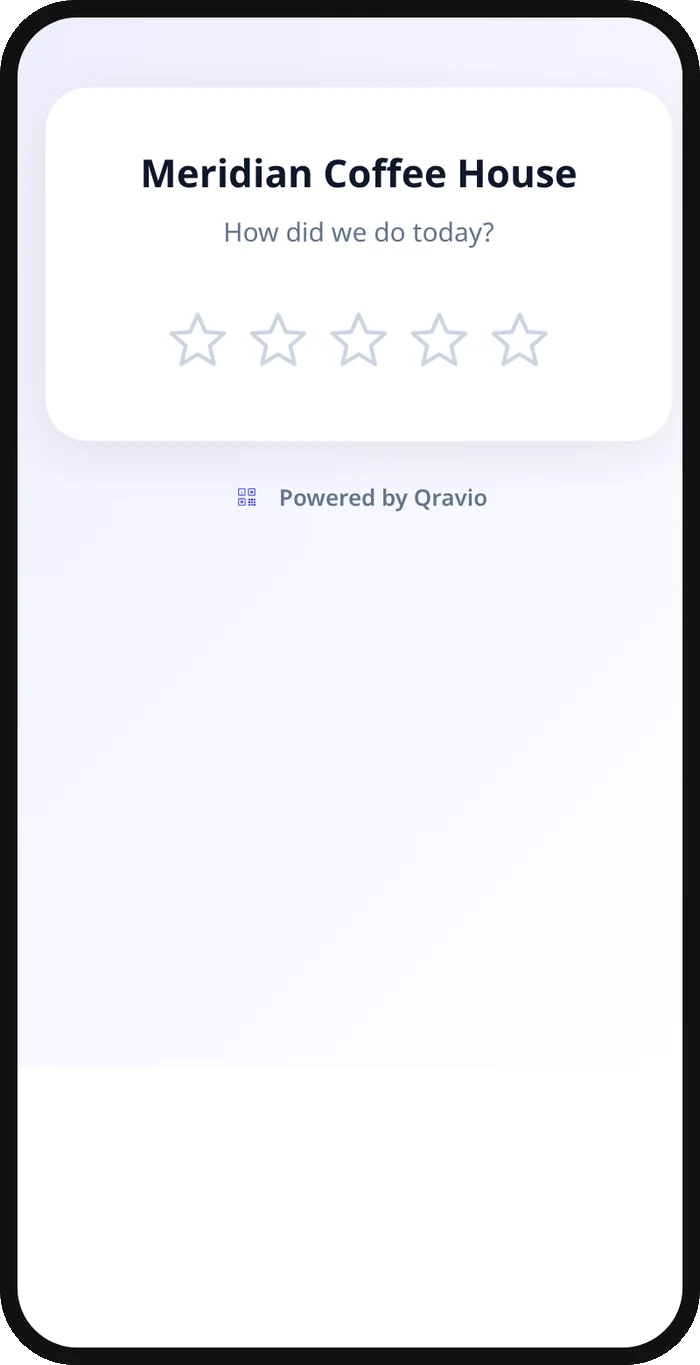
A real Qravio scan page, shown with demo content. Every part of it is editable after the code is printed.
Make your Salon & Spa Google Reviews QR code
Build it free below, then create an account to make it dynamic — edit it anytime and track scans.
Set up your Salon & Spa Google Reviews QR code
- 1Copy your salon's Google review link from your Business Profile.
- 2Build a free static QR below that opens the link directly, ready to place at checkout today.
- 3Create a free Qravio account when you want private feedback alongside reviews, and pick the Reviews & Feedback QR type.
- 4Write a short private feedback question, such as "What could we do better?"
- 5Print the code for the mirror station, reception desk, or receipt, and add a short prompt like "Tell us how we did."
Why use a Qravio QR code for salon & spa google reviews
Two buttons, the same for every client
Every client sees "Leave a Google review" and "Send private feedback" together. Nobody is asked to rate first, and a client who wants to review is on Google in one tap.
Hear about a colour that missed
A client who would rather tell you than post it can, and the message lands in your Leads dashboard with an optional email alert, so the stylist or owner can make it right.
Google stays one tap away
The Google review button is on the first screen, inside the feedback form and on the thank-you screen. Private feedback is an option, not a filter.
One code per stylist if you like
Create a separate Reviews & Feedback QR per chair to see which reviews and which feedback relate to whom, and edit any of them without reprinting.
Pro tip
Give each stylist or chair its own Reviews & Feedback QR code so your dashboard shows whose clients click through to Google and whose send private notes, not just an average for the whole salon.
Salon & Spa Google Reviews QR code FAQ
Where's the best spot for the QR code in a salon?
At the mirror station right after the service, or at the front desk during checkout, both moments when the client can see the finished result and is about to pay.
Does it stop a client from leaving a bad Google review?
No. Every client sees the same Google review button. Private feedback is simply another option, and some clients will choose it, so you hear the specific complaint directly.
Can stylists have their own QR code?
Yes. Create a separate Reviews & Feedback QR per stylist or chair so you can see which reviews and which feedback are tied to a specific person, not just the salon as a whole.
Is the plain Google review link free?
Yes, the simple static link QR below is free with no signup. The Reviews & Feedback QR, with the hosted page and private form, is on Qravio's Starter plan and above.
Create your Salon & Spa Google Reviews QR code
Free to start. No watermark. Editable and trackable in under a minute.