

QR Code for Restaurant Google Reviews
A restaurant Google reviews QR code sends diners to your Google review page from the table tent or receipt, right when the meal is still fresh in mind. Qravio's hosted Reviews & Feedback page goes one step further: it shows every diner two buttons, "Leave a Google review" and "Send private feedback", so a guest who would rather tell you about a cold dish directly can, while the Google button stays one tap away for everyone.
How QR codes work for restaurant google reviews
Print a QR on your table tent, receipt, or check presenter. The free static QR below opens your Google review page directly. With a Qravio account you can switch to the Reviews & Feedback QR type instead: scanning opens a small page with your name and two equal buttons. The Google button redirects to your review page, where the diner chooses their own stars. The private feedback button opens a short form, with an optional rating that stays private, and the submission lands in your Leads dashboard so your kitchen or front-of-house hears about it directly.
What your restaurant google reviews QR opens
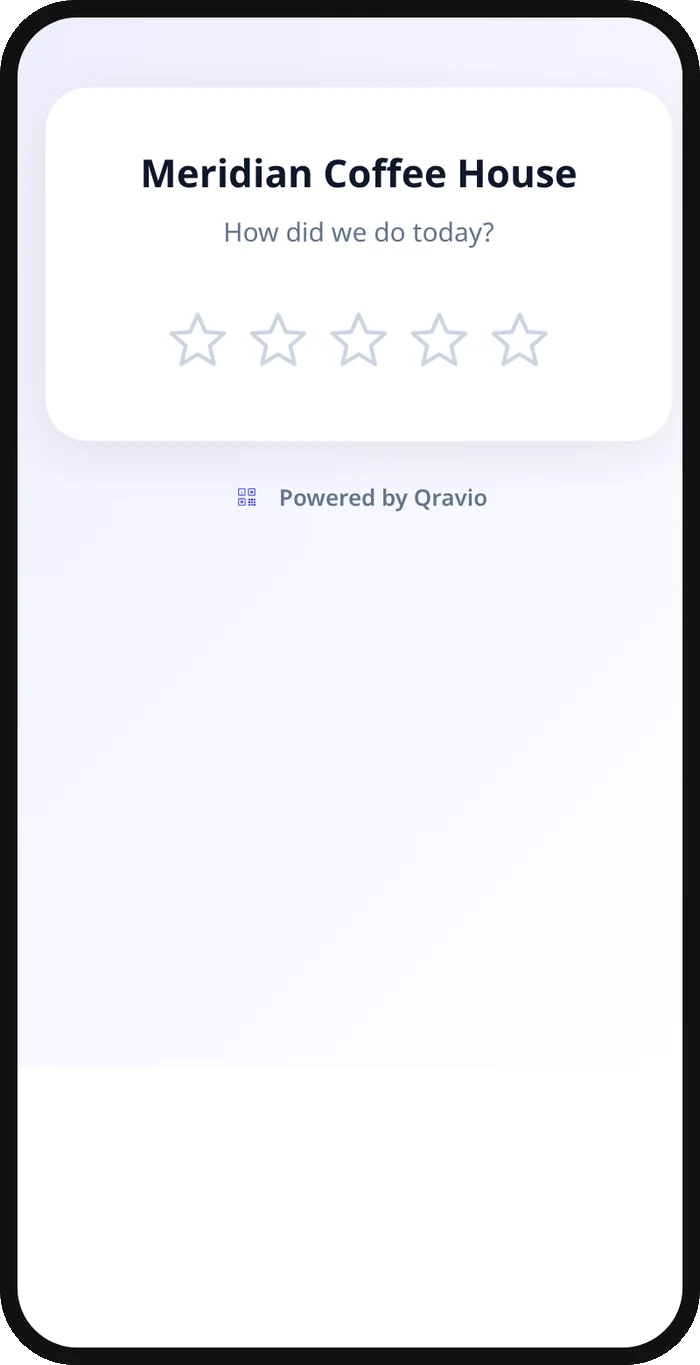
A real Qravio scan page, shown with demo content. Every part of it is editable after the code is printed.
Make your Restaurant Google Reviews QR code
Build it free below, then create an account to make it dynamic — edit it anytime and track scans.
Set up your Restaurant Google Reviews QR code
- 1Grab your Google review link from Business Profile → Read reviews → Get more reviews, or copy your g.page/r/... URL.
- 2Build a free static QR code below that points straight to that link—no signup required to try it.
- 3When you want private feedback alongside reviews, create a free Qravio account and pick the Reviews & Feedback QR type.
- 4Write a short subheading and your private feedback question, such as "What could we have done better?"
- 5Print the code on table tents, receipts, or check presenters, and place one near where guests pay or leave.
Why use a Qravio QR code for restaurant google reviews
Two buttons, the same for every guest
Every diner sees "Leave a Google review" and "Send private feedback" together. Nobody is asked to rate first, and a guest who wants to review lands on Google in one tap.
Hear about kitchen problems directly
A guest who would rather tell you about a cold entrée than post it can, and the message goes straight to your Leads dashboard, optionally with an email alert, so you can address it with the guest or the kitchen.
Google stays one tap away
The Google review button is on the first screen, inside the feedback form and on the thank-you screen. Private feedback is an option, not a filter.
Edit it without reprinting
Change your review link, the wording or the feedback questions anytime from your dashboard. Your table tents and receipts keep working exactly as printed.
Pro tip
Keep the private feedback question open, like "What could we have done better?", and reply to every submission—guests who were heard privately are the ones most likely to come back and review publicly later.
Restaurant Google Reviews QR code FAQ
Will this stop unhappy customers from posting a bad review?
No, and it is not designed to. Every diner sees the same Google review button. What you gain is a private channel some guests will choose instead, so you hear about a problem directly and can fix it.
Where should I put the QR code in a restaurant?
Table tents and check presenters catch guests right after the meal, when the experience is freshest. Receipts work well for takeout and delivery orders where there's no table to place a card on.
Can I just link straight to my Google review page instead?
Yes. Qravio's free static tool below builds a simple link QR that opens your Google review page directly, with no hosted page. The Reviews & Feedback QR adds the private feedback option and scan analytics for restaurants that want both.
Do I need a paid plan for the hosted version?
The plain link QR is free. The Reviews & Feedback QR, with the hosted page, private feedback form and analytics, is included on Qravio's Starter plan and above.
Create your Restaurant Google Reviews QR code
Free to start. No watermark. Editable and trackable in under a minute.